|
Show Ta's Your Desktops!!!!!!!!! (pg. 14)
|
View this Thread in Original format
| cbxzcm |
| quote: | Originally posted by mentalbarter
what the hell os/theme is this? |
I'm running Windows XP with Litestep.
One of my hard drives crashed recently so here's my new desktop:
 |
|
|
| TranzAddict |
| quote: | Originally posted by Streakfury
Click
Anywho, my background. I haven't changed it in a while:

:) |
how do you change the start button to say something else..like instead of start.... to something like trance or something.. the pic on top has streakfury as the name...i want to change it like that... |
|
|
| StealthAssassin |
I'm gonna keep trying to make the PC look more like my Mac. :D
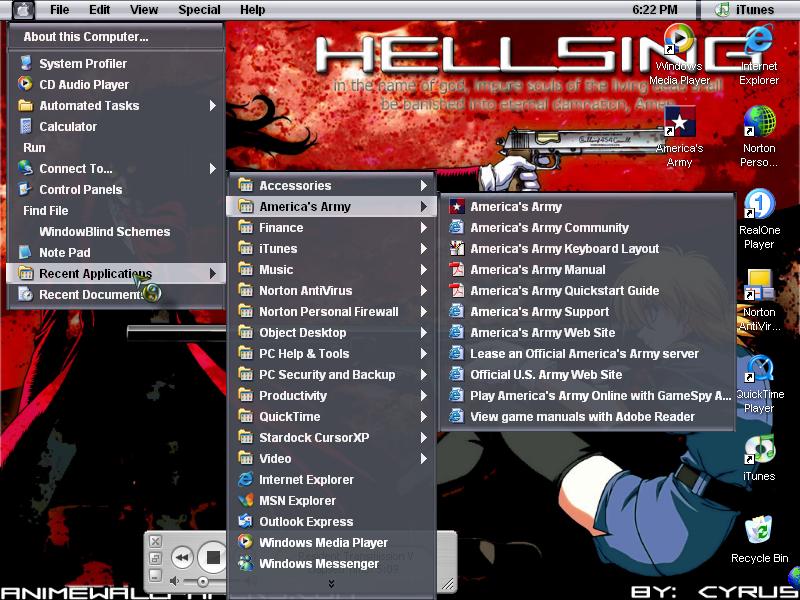 |
|
|
| o0moonman0o |
mine..
 |
|
|
| Global DJ 2k |
lol cool
Armin !
nice skin, what is it.? |
|
|
| Streakfury |
Mmmmm... I had a change of heart:

:) |
|
|
| sharpeye00 |
 |
|
|
| caddyshack |
| quote: | Originally posted by Global DJ 2k
2.Locate the buttom that says "Print Screen/SysRq" and press it
|
and were would i locate this?? |
|
|
| Global DJ 2k |
| quote: | Originally posted by sharpeye00
|
Can't quiet see whats happening in your desktop. . . |
|
|
| Global DJ 2k |
nvm now isee it!
gay I.E
anyways good looking comp~ |
|
|
| caddyshack |
| quote: | Originally posted by Global DJ 2k
nvm now isee it!
gay I.E
anyways good looking comp~ |
where is the print screen button!!!!!!! |
|
|
| Global DJ 2k |
| well if yu r on a desktop , its next to F12 and under Insert. and to the left is Scroll Lock |
|
|
|
|

